 HyperMine
Two-factor authentication: a second key to your account
Two-factor authentication, or 2FA, adds a check using a temporary code from your authenticator app. Knowing your password is not enough to complete an access that also requires this code.
🛡️ When does it ask for a code?
The app's code normally changes every 30 seconds. Enter the code that is currently valid, without spaces.
On the server, confirmation is requested again after 24 hours from the last confirmation or when your connection address changes, whichever happens first. The website may request additional checks when signing in or changing security information.
💡 Preparing the app
You need an app compatible with authentication codes on a device you can access. Before enabling the system, learn how to keep or recover access to the app if you change phones.
🛡️ Enabling two-factor authentication in the game
- Join the server and go to the lobby with
/lobby. - Make sure you have space to receive the setup map.
- Type
/2fa enable. - Scan the QR on the map with your app. The QR is private: do not share it or show it on a livestream.
- Check the app now has a new account with a temporary code.
- Confirm with
/2fa confirm CODIGO, replacingCODIGOwith the current numbers, without spaces. - Wait for the success message.
Setup has a time limit. If it expires, restart and follow the current QR; do not keep trying codes from an old setup.
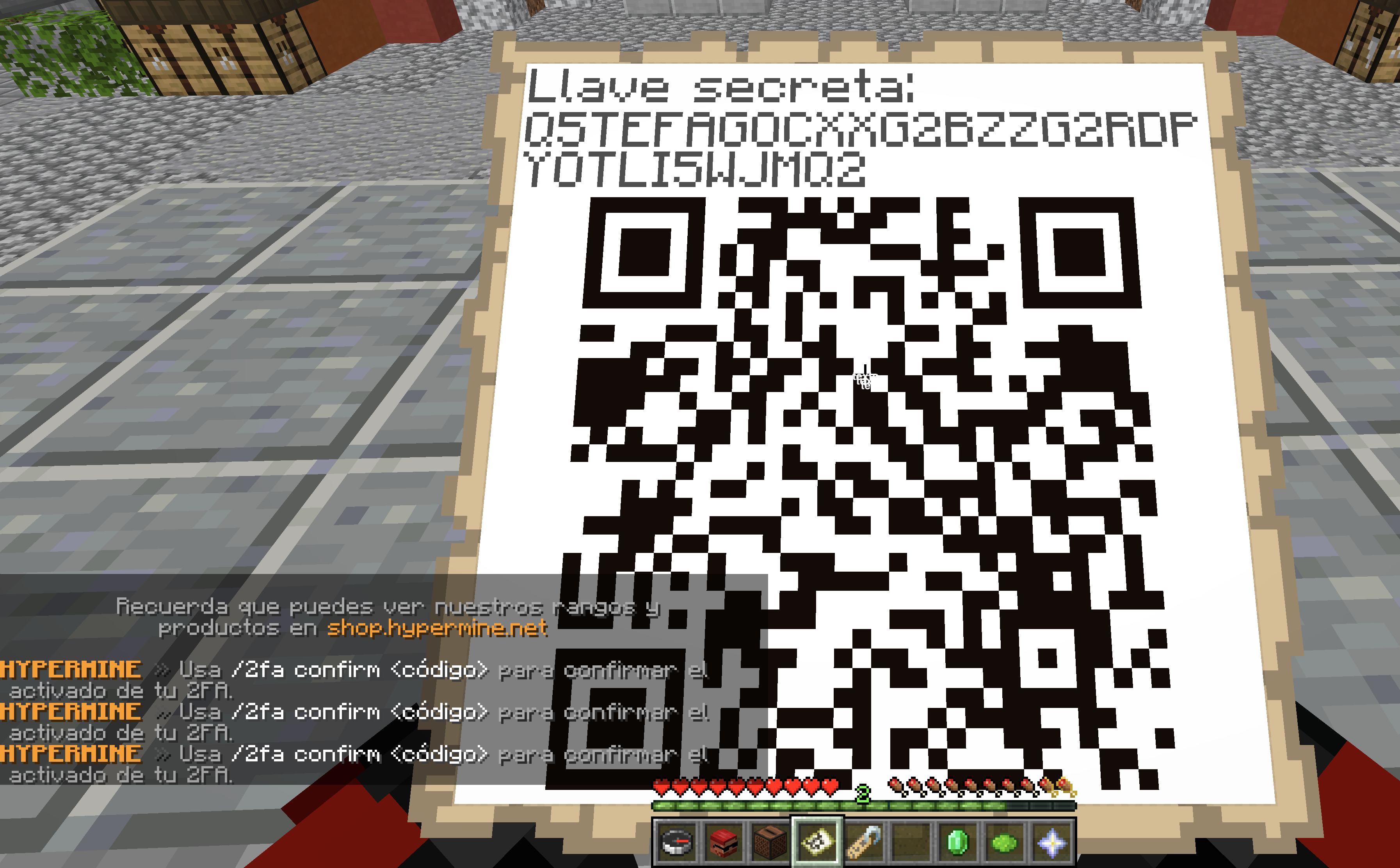
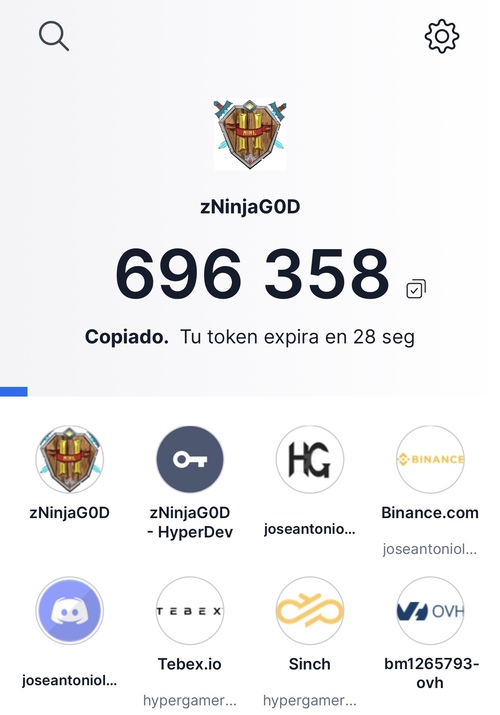
These images are examples. Use the QR and code from your own setup, not those shown in a guide.
💡 Joining after it is enabled
When the server asks, open your app and type /2fa CODIGO. If the code is about to change, wait for the next one. Check you selected the correct HyperMine account in the app.
If a newly generated code fails, check your device's date and time. Do not post a screenshot of the code to ask for help.
🛡️ Disabling two-factor authentication
In the game, /2fa disable is available; follow its requested checks. You can also review available management in Security. Do not disable your protection because another player asks you to.
Unlinking Discord does not disable HyperMine two-factor authentication. They are separate features.
🛡️ I lost my app or phone
Lost access? Open the account recovery form. You do not need to sign in or create another account: verify an email you can access and provide evidence. An administrator will review the case and reply by email. Discord is for the community; we do not handle support questions or account recovery there.
The team must verify account ownership, for example through the linked email or purchase receipts when applicable. Sharing a connection address alone is not enough. Do not send card details or unnecessary documents in a public channel.